
Arrange Helix the way your household thinks
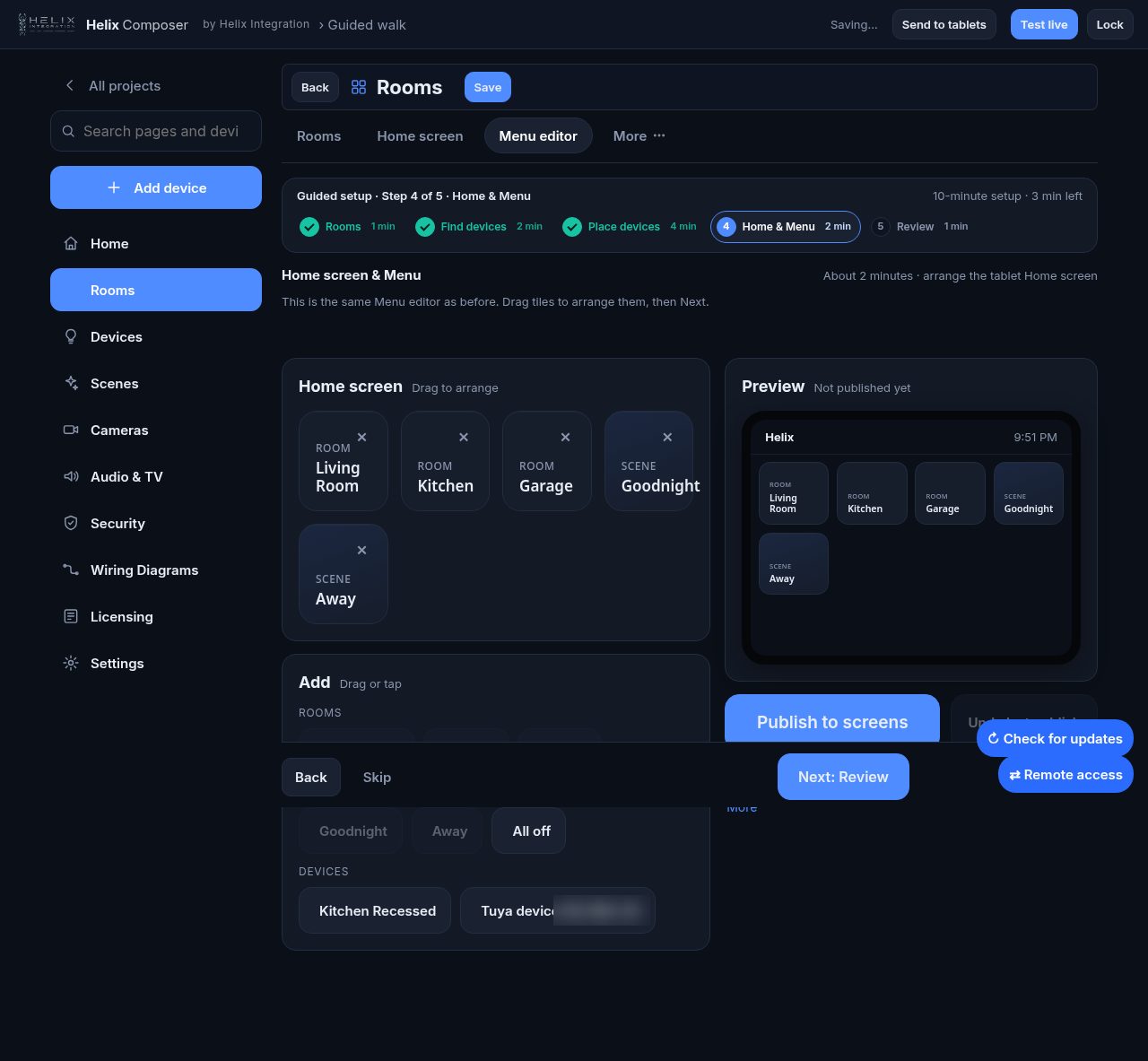
Composer-side tools and a drag-and-drop menu editor let you shape what appears on Helix surfaces — rooms, order, and focus — without waiting on a dealer programmer for every tweak.
Menu editor built
The benefit
Dealer platforms often lock layout changes behind a paid visit. Helix aims for owner-accessible arrangement: put the garage where your thumb expects it, hide rarely used tiles, and keep guest-facing menus simple.
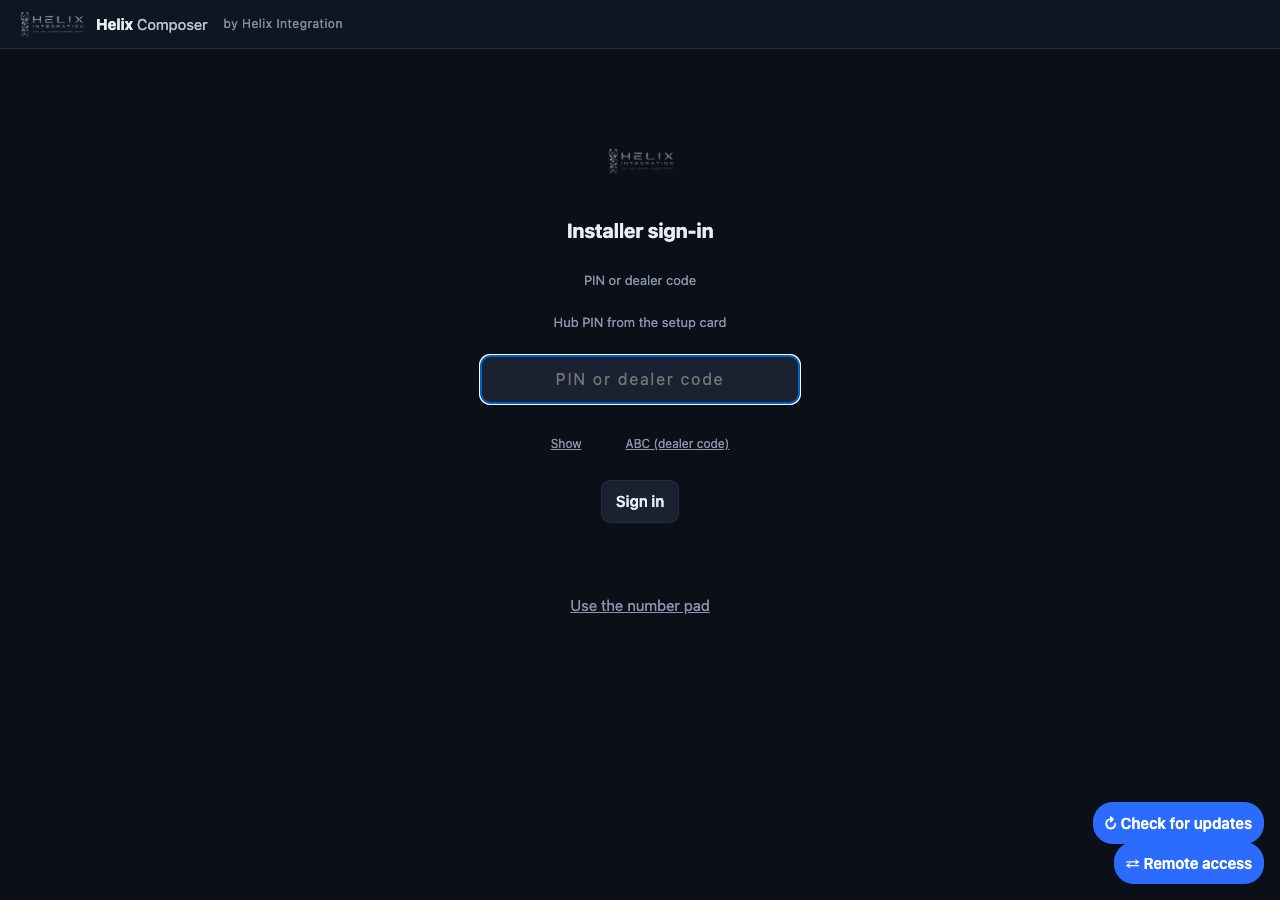
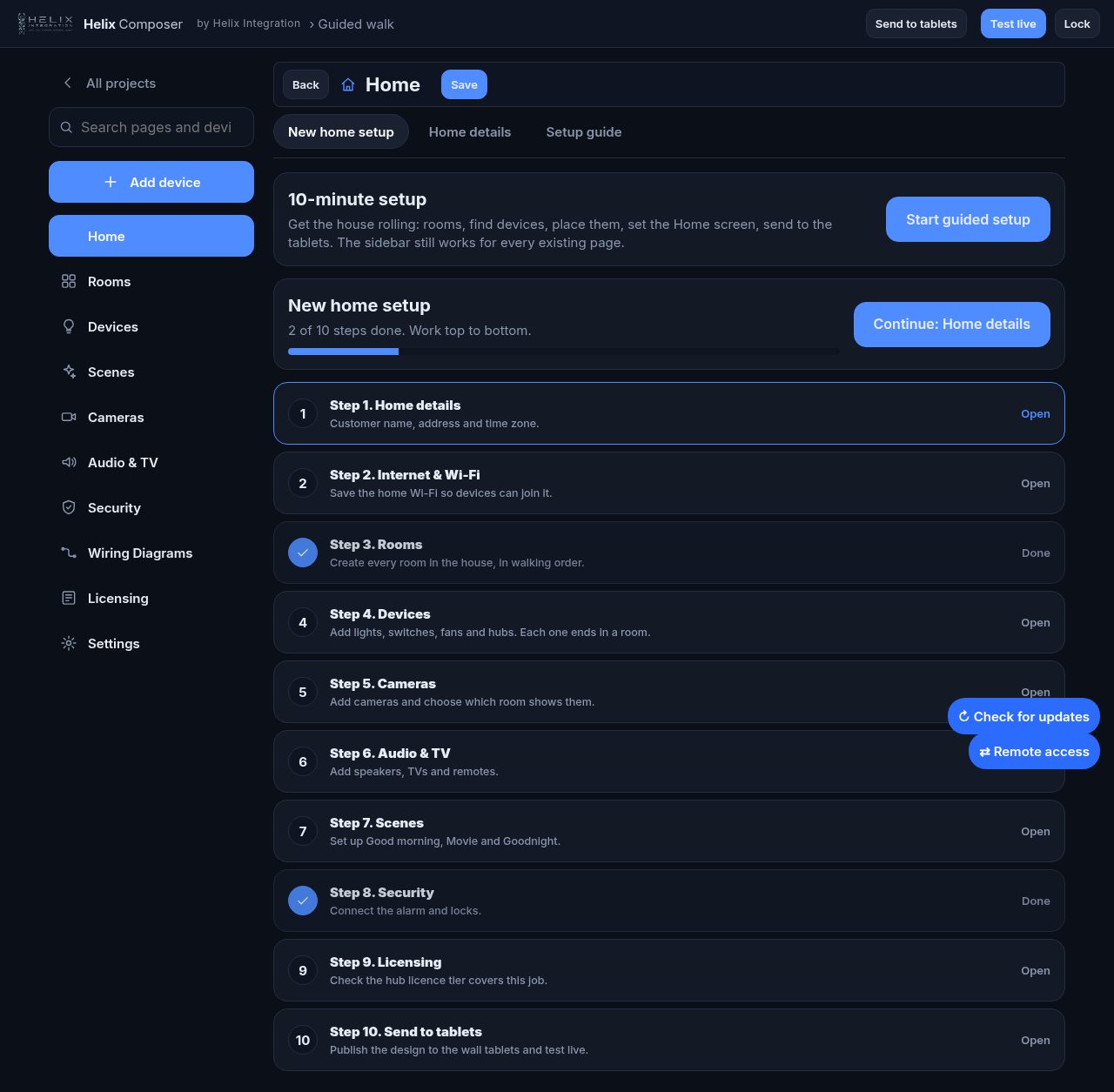
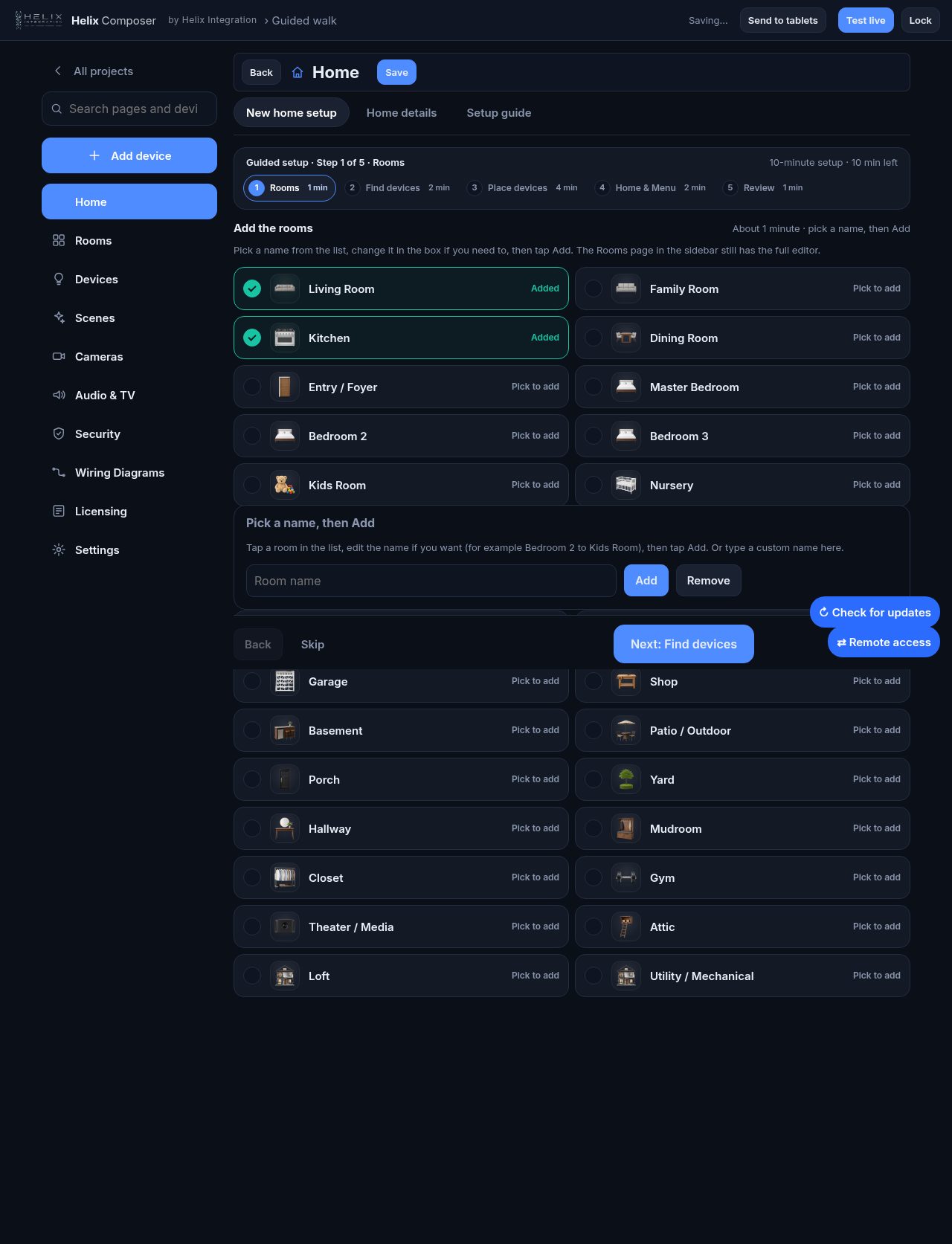
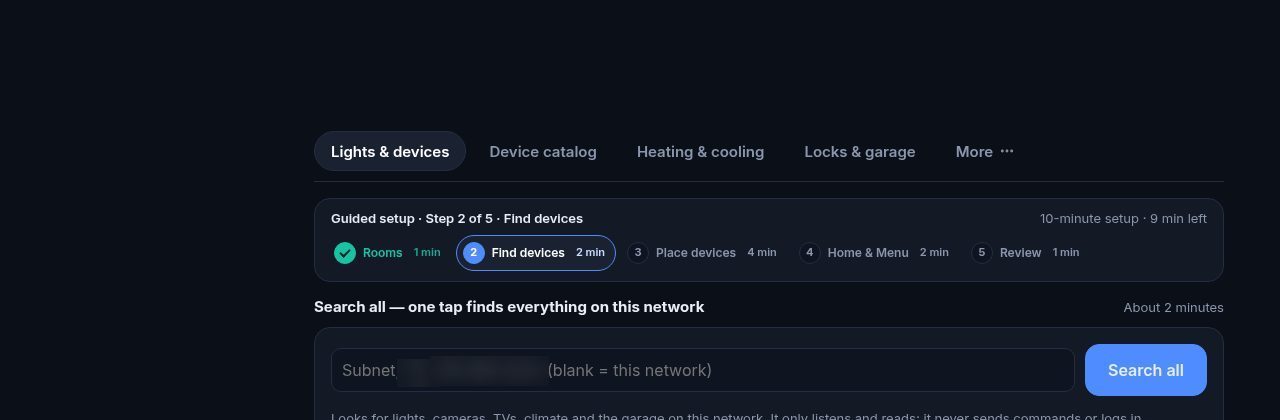
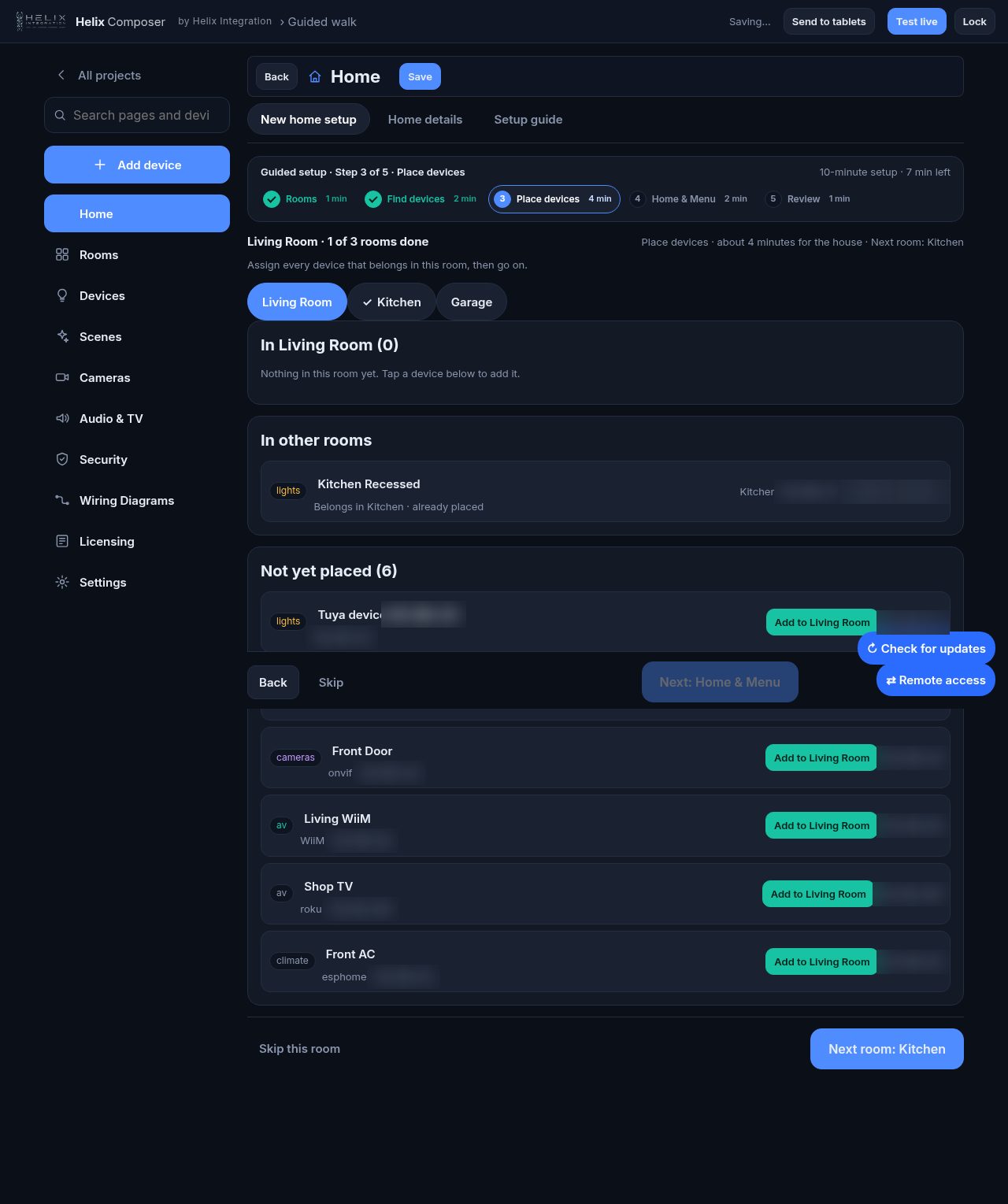
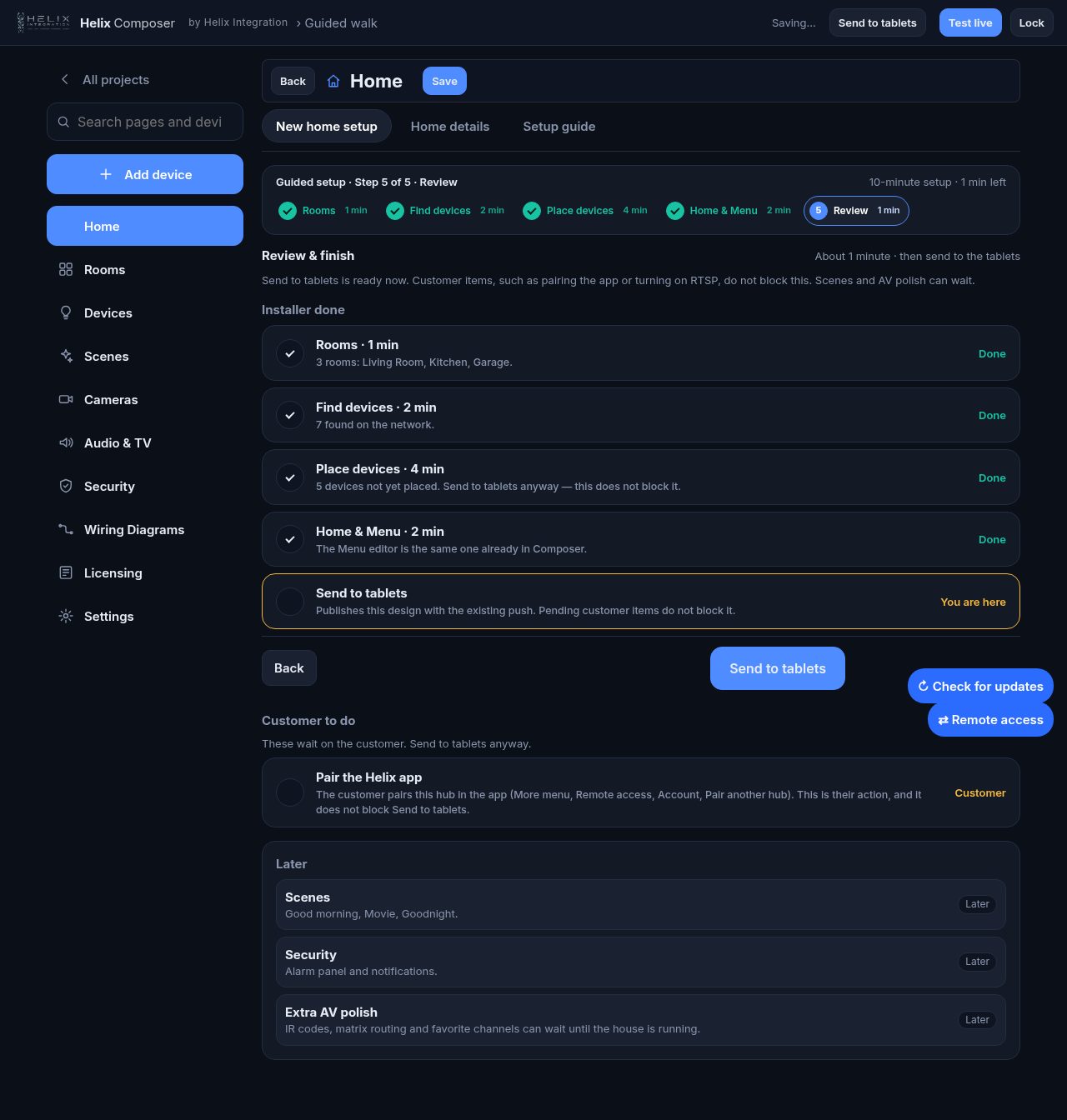
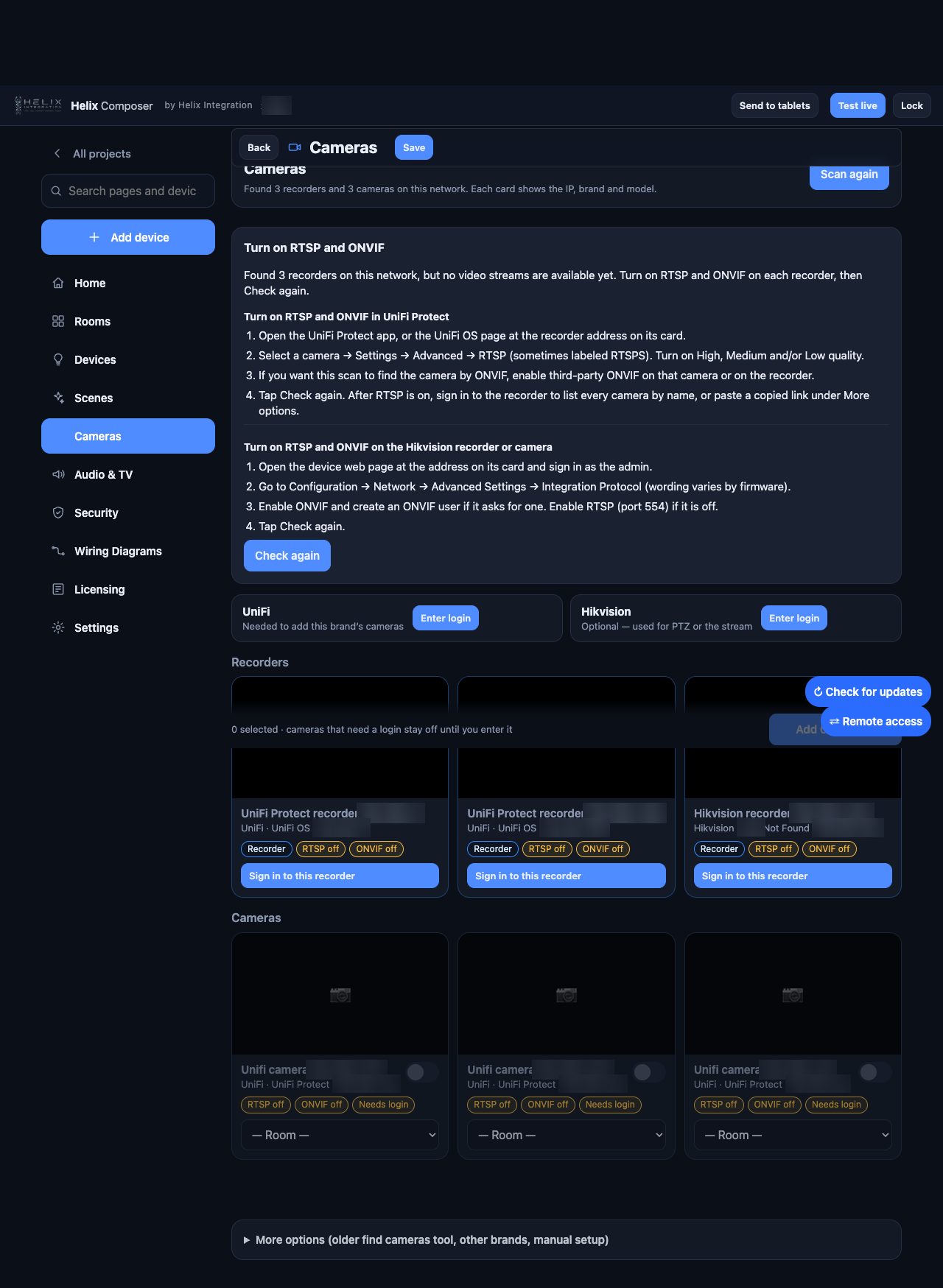
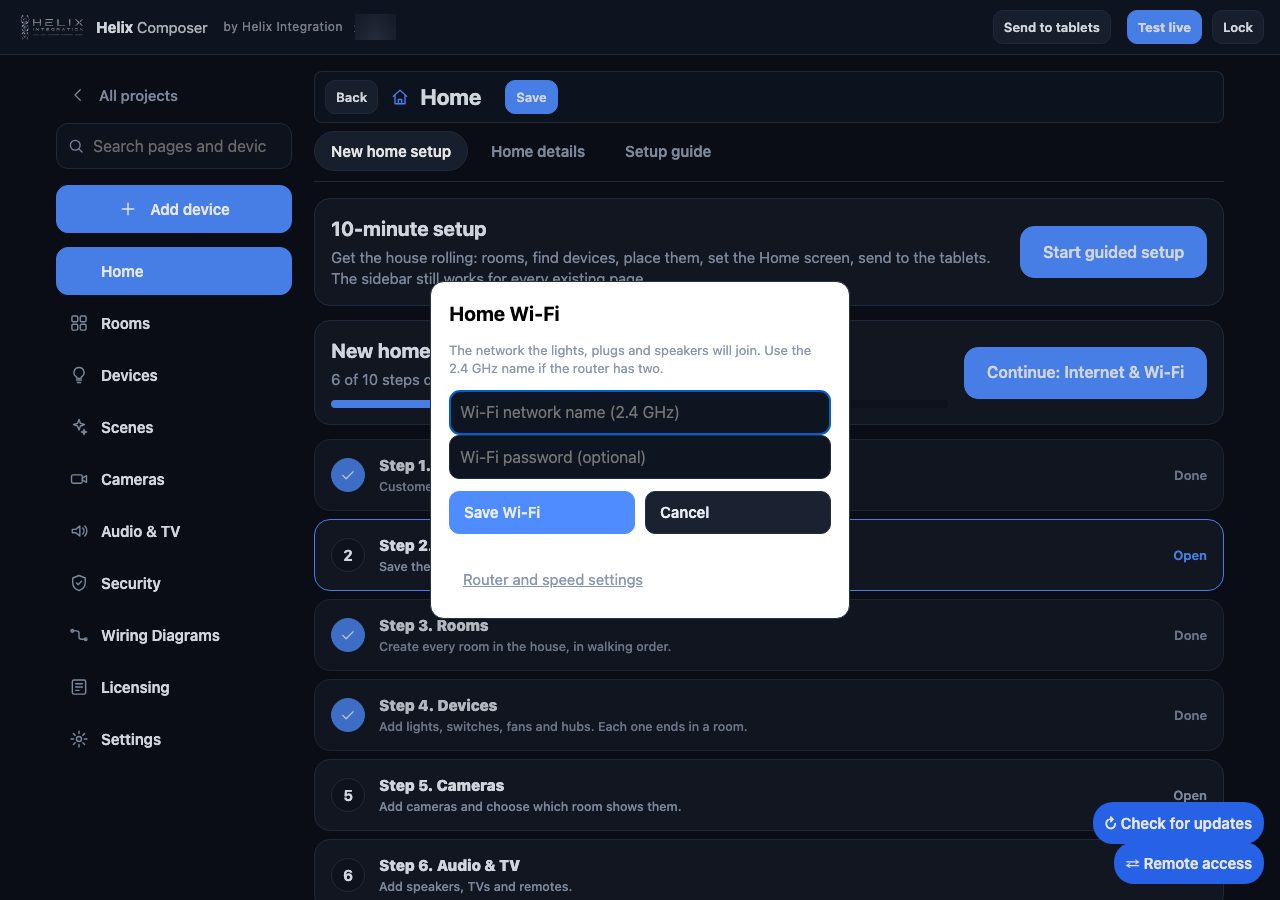
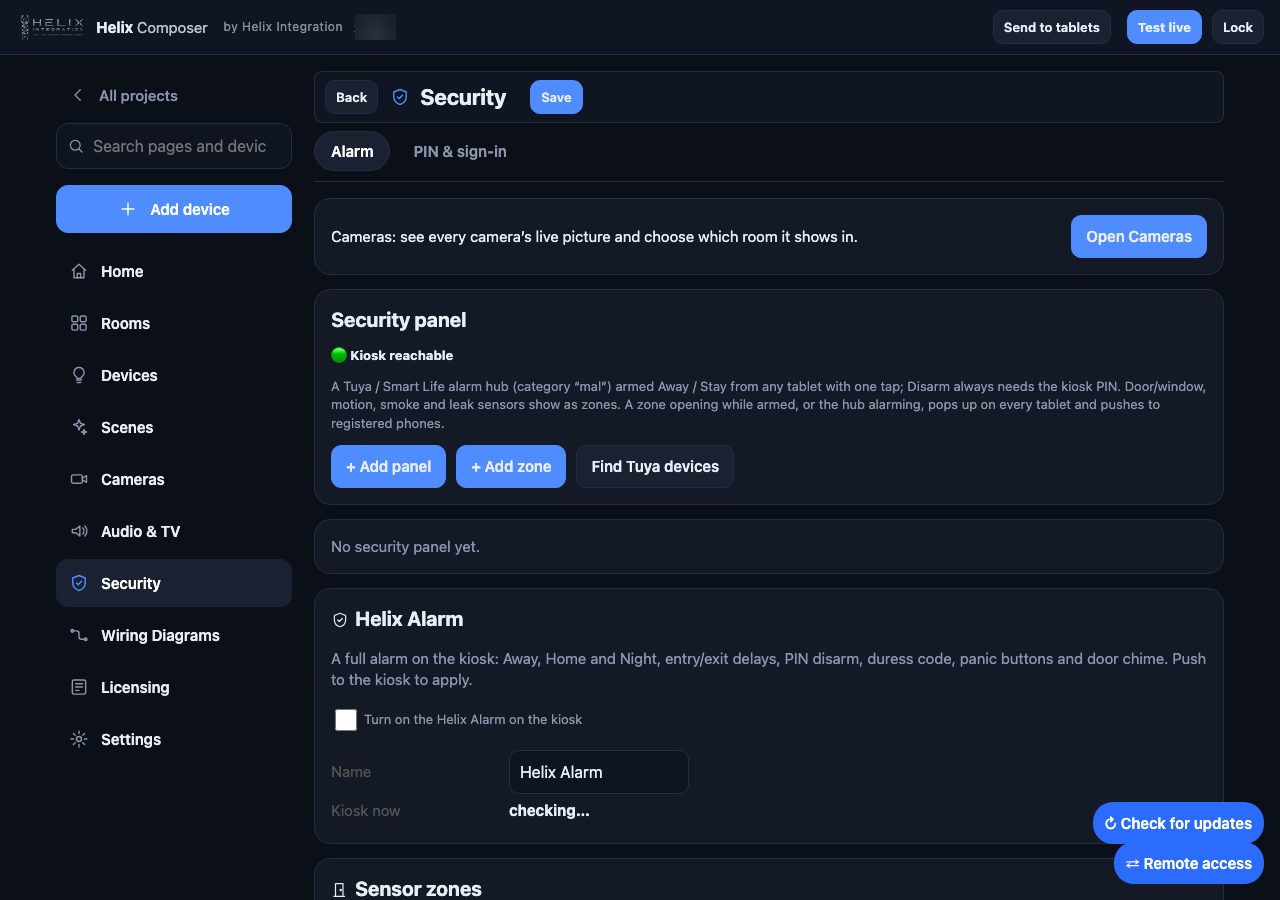
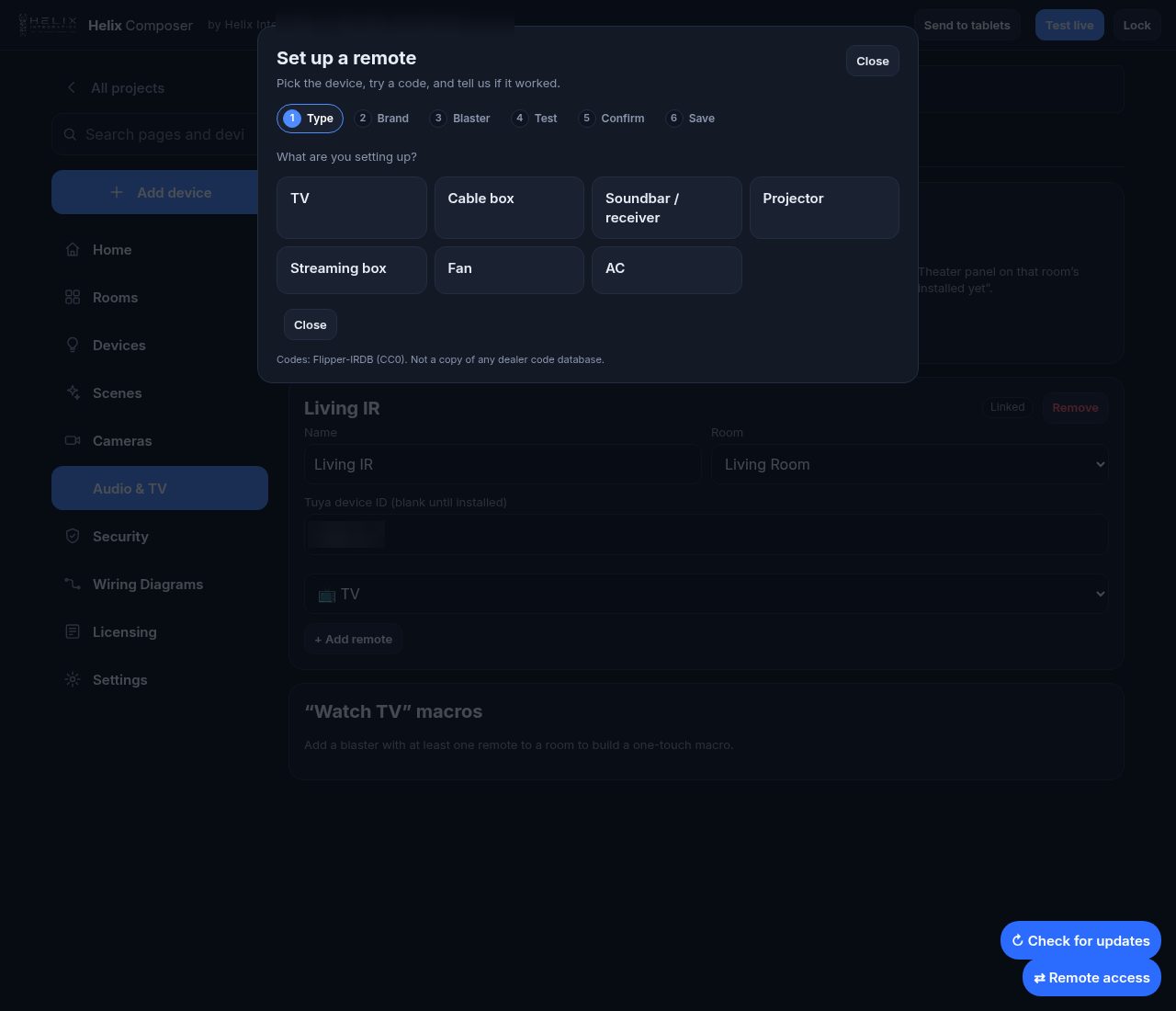
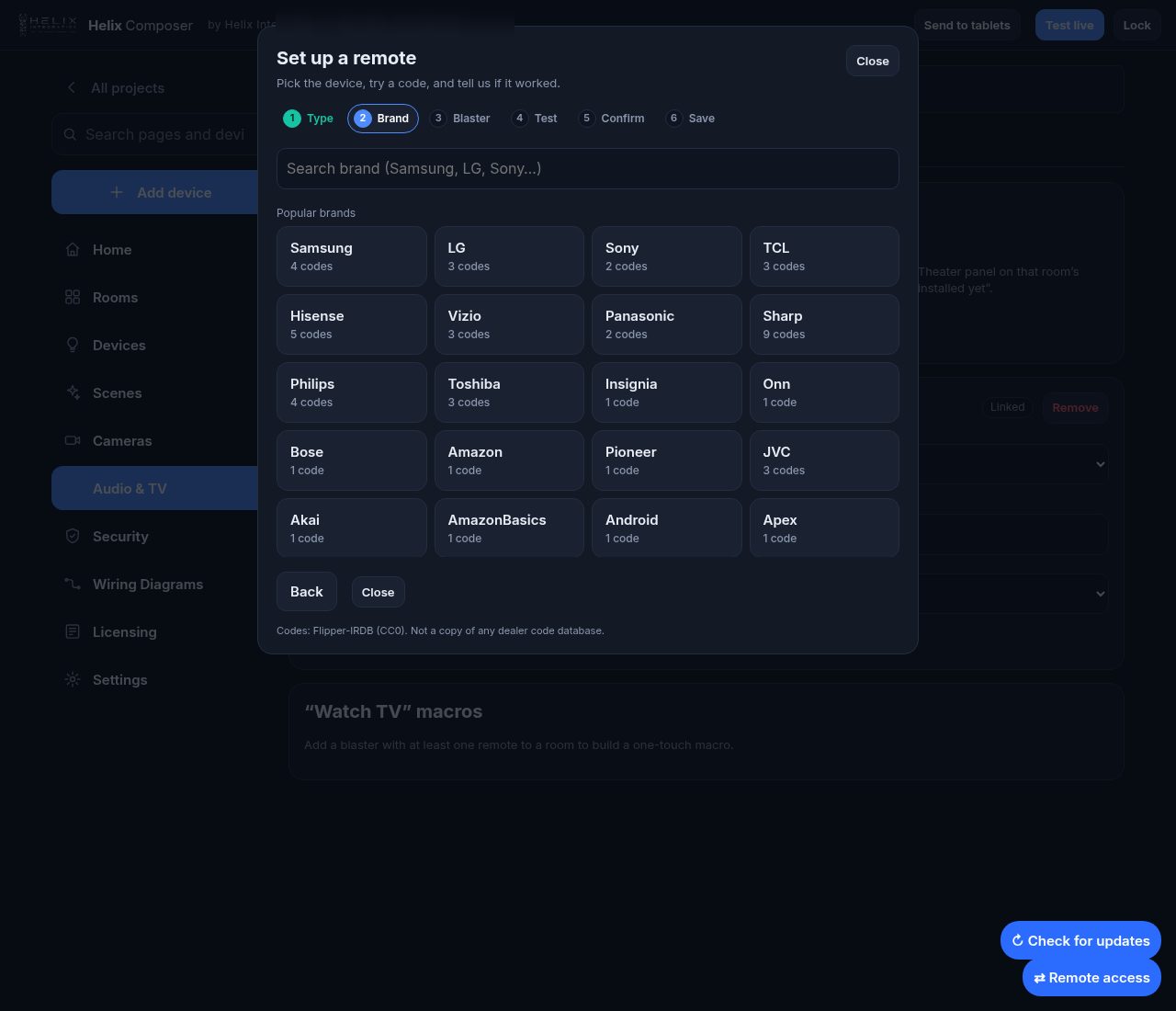
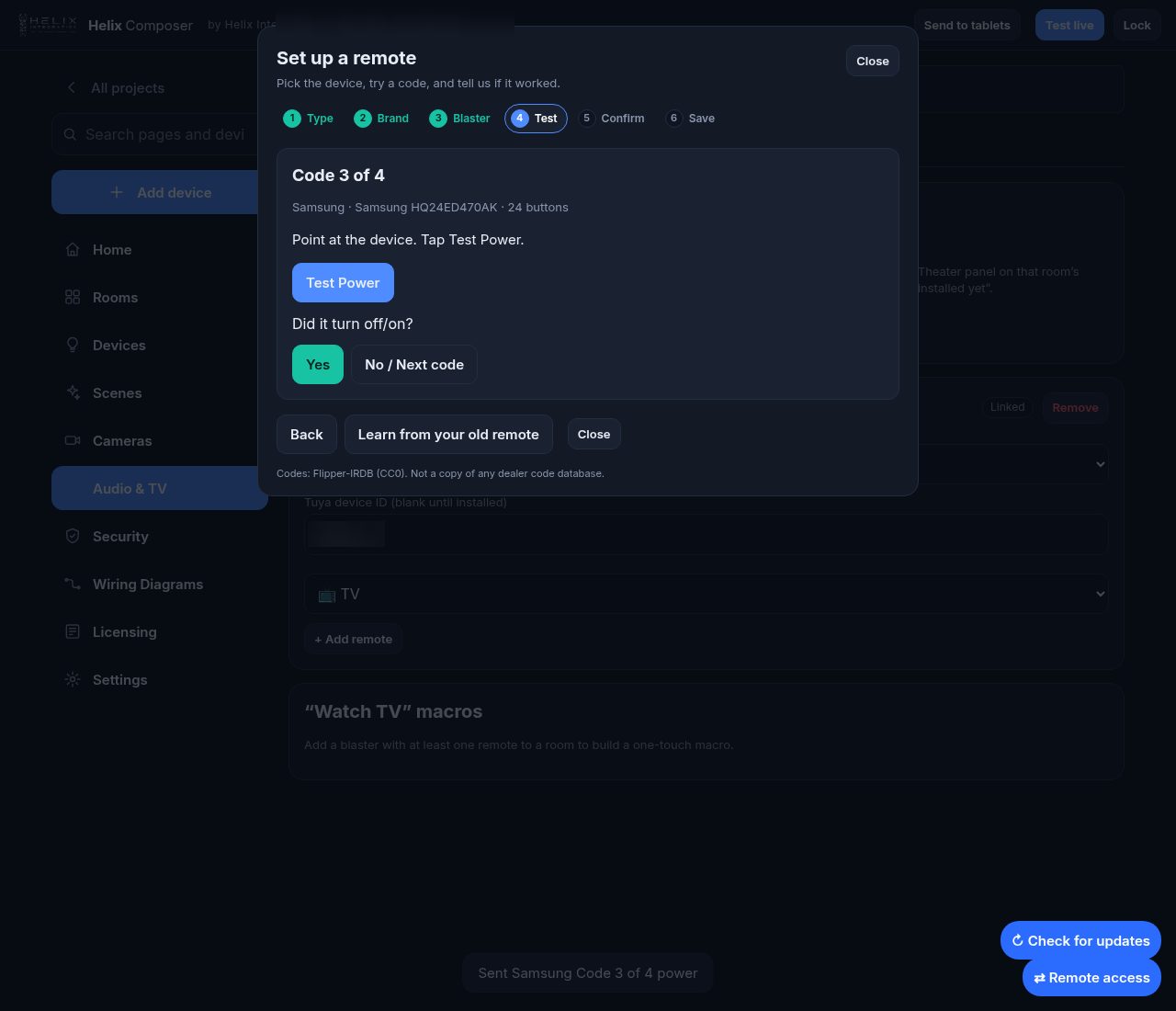
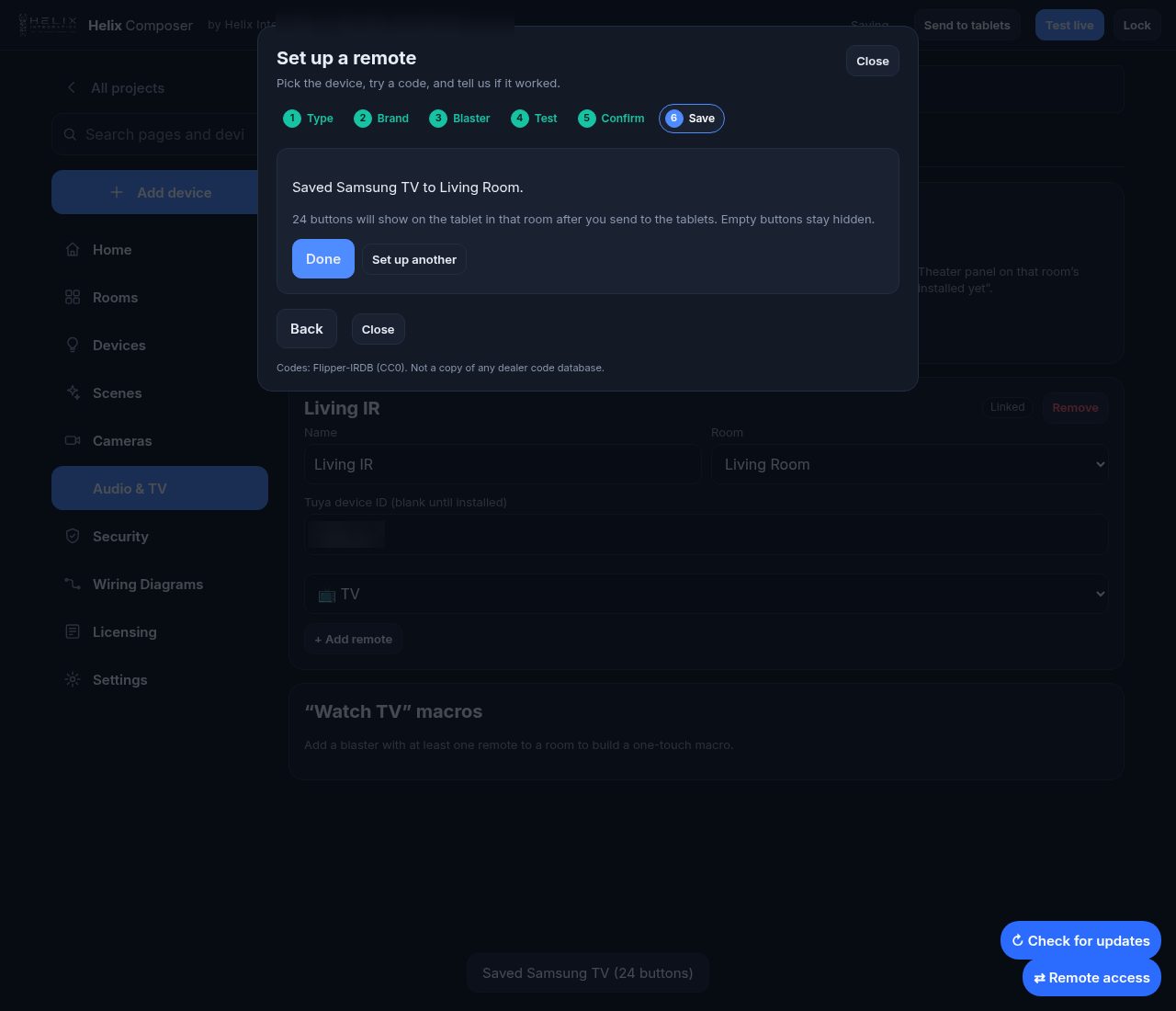
Real Composer screens from a Helix test system. LAN addresses, test project names, and other private details are blurred or omitted.
Composer, as it looks now
Guided home setup, sign-in, camera scan, Wi-Fi, security, and the remote wizard. These replace the previous text-only Composer page.
Concrete use cases
- Family-friendly order: Put lights and cameras first; tuck advanced tiles deeper.
- Shop vs house: Different emphasis for work areas versus living areas.
- Seasonal focus: Promote patio and exterior views in summer without rebuilding the whole system.
How it works (technical)
- Menu editor
- Drag-and-drop menu editing is present in Helix software (Nov 2: built). Operators rearrange what control surfaces present.
- Composer role
- Composer is the configuration side of Helix used to define how the home is modeled — devices, rooms, and related structure — complementary to day-to-day kiosk use.
- Not claimed
- No claim of unlimited multi-user permission matrices, remote dealer takeover products, or third-party marketplace plugins.
Want to talk through your home?
Call for a free consultation. We serve Wentzville, O’Fallon, St. Peters, St. Charles and St. Louis. Nothing on these pages is an offer to buy.